
FRAMES
Choose from different frames
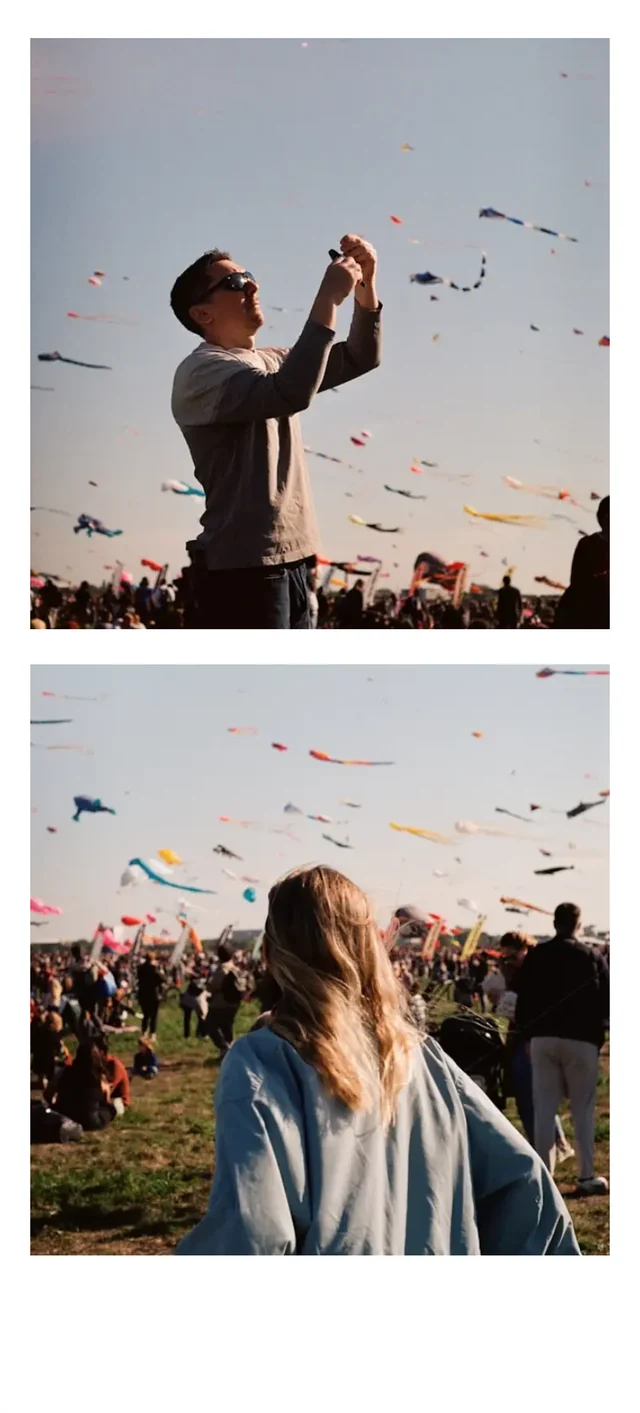
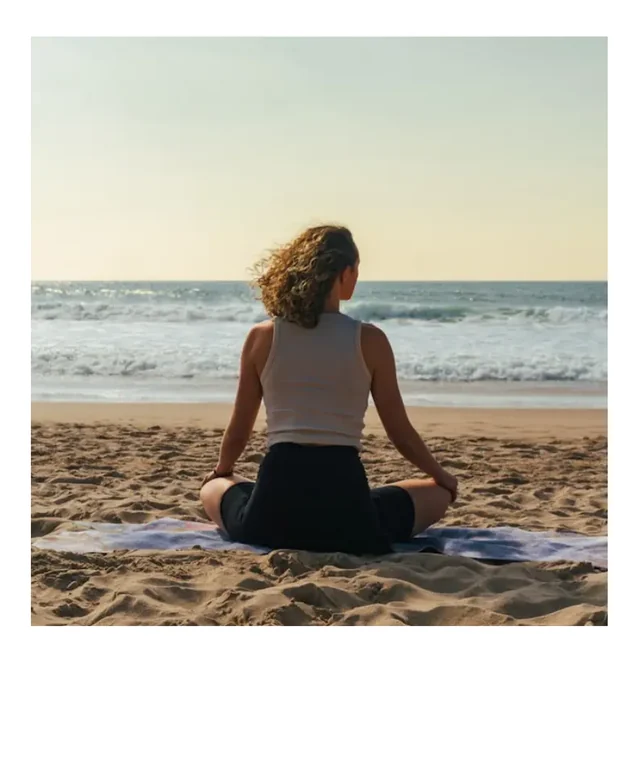
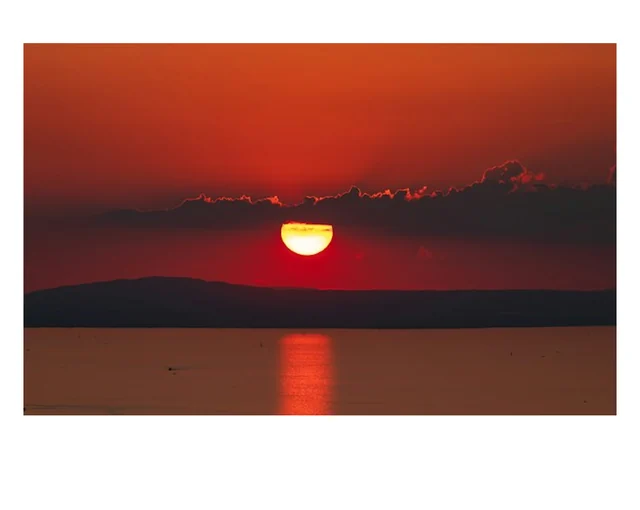
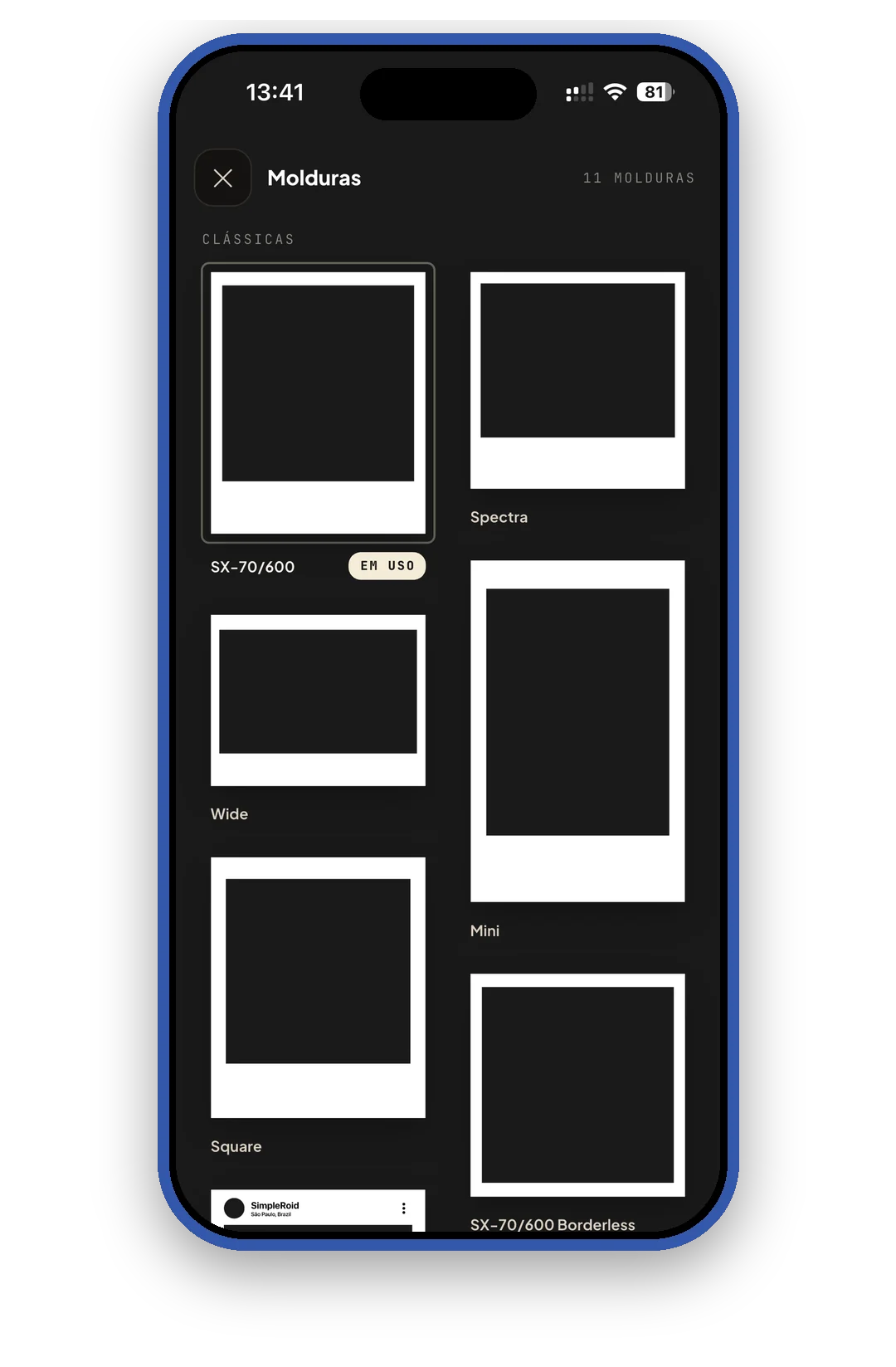
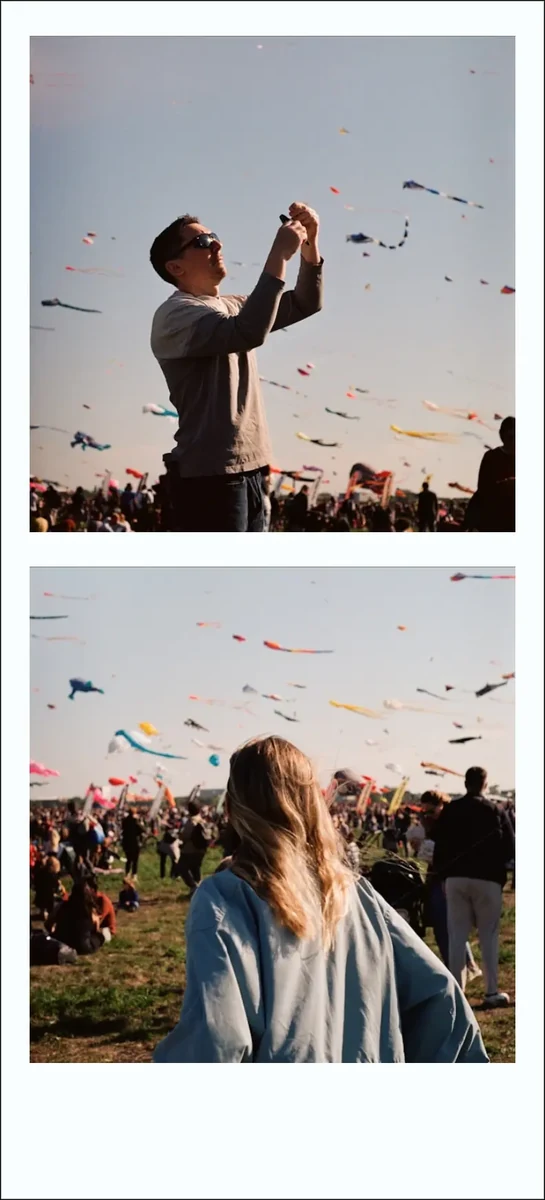
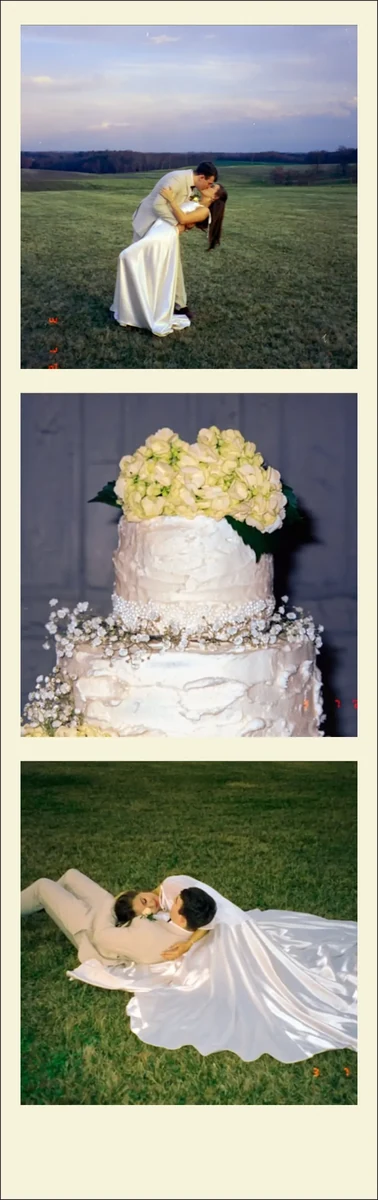
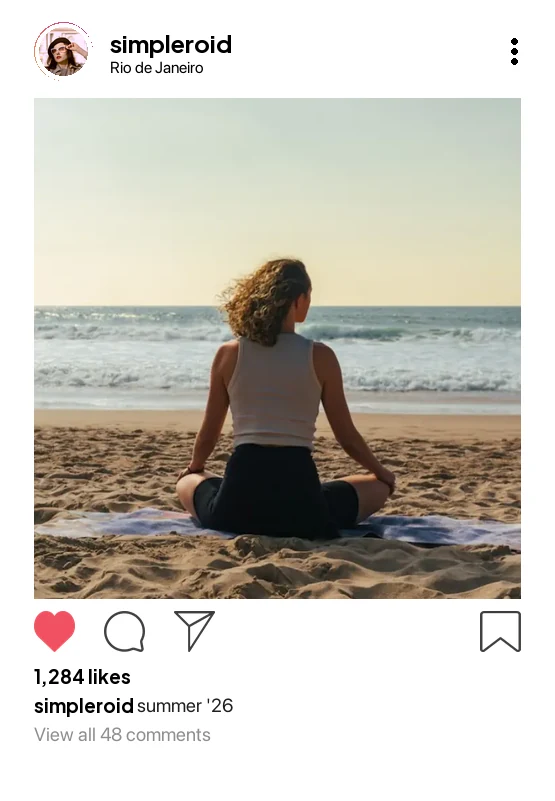
Classic formats, wide, mini, square, borderless, two and three photo collages, Instagram, music and calendar.

Pick a photo and a frame, then make it yours: colors, textures, texts, stickers, codes and more. Ready to post or print.


From your gallery or straight from the camera.
11 frames: classic instant film formats, collages, Instagram, music and calendar.
Colors, texts, stickers, filters and codes. Save in high quality or share right away.
Classic formats, wide, mini, square, borderless, two and three photo collages, Instagram, music and calendar.
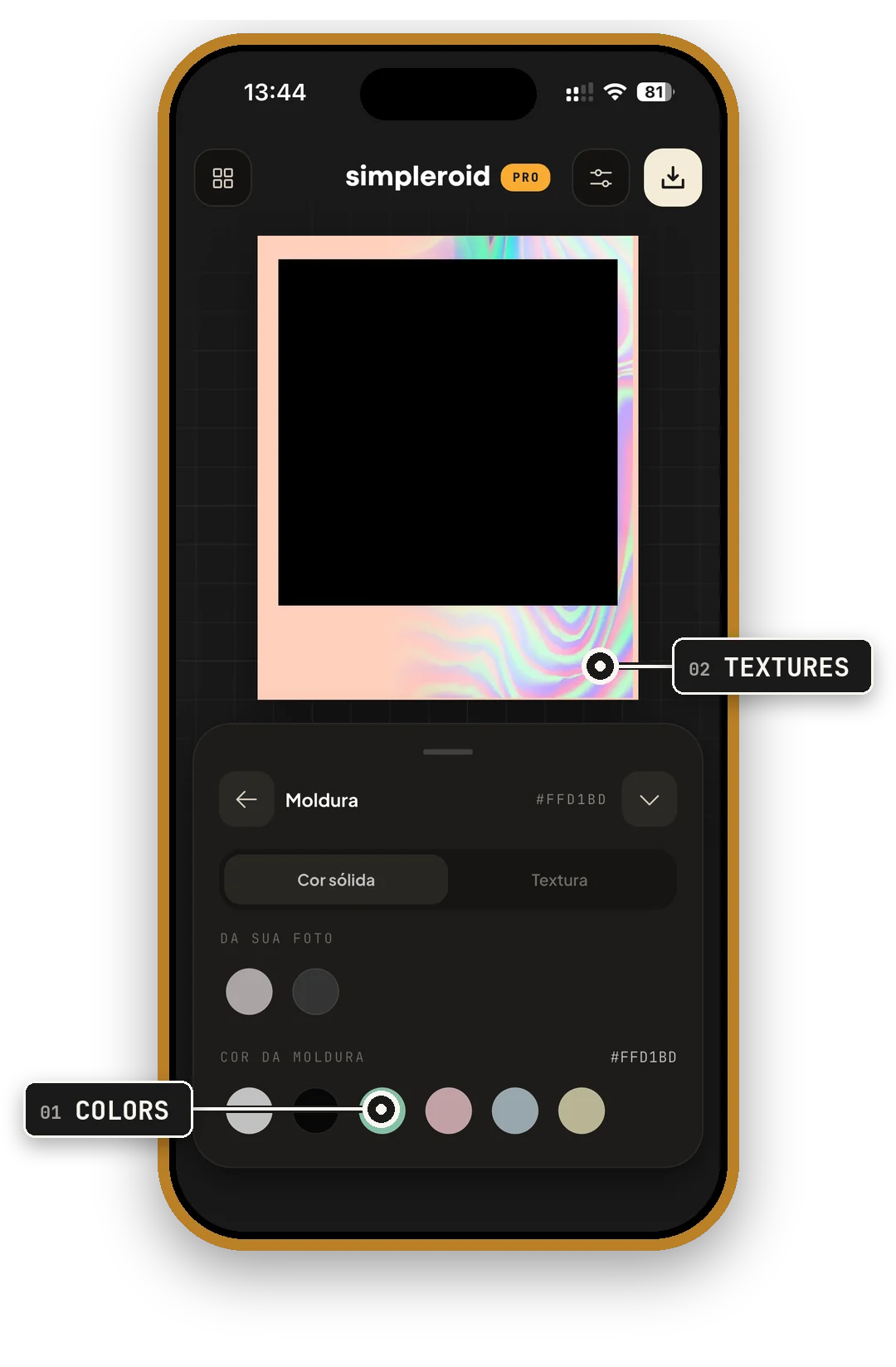
Solid colors, colors picked from your own photo and textures for the frame.
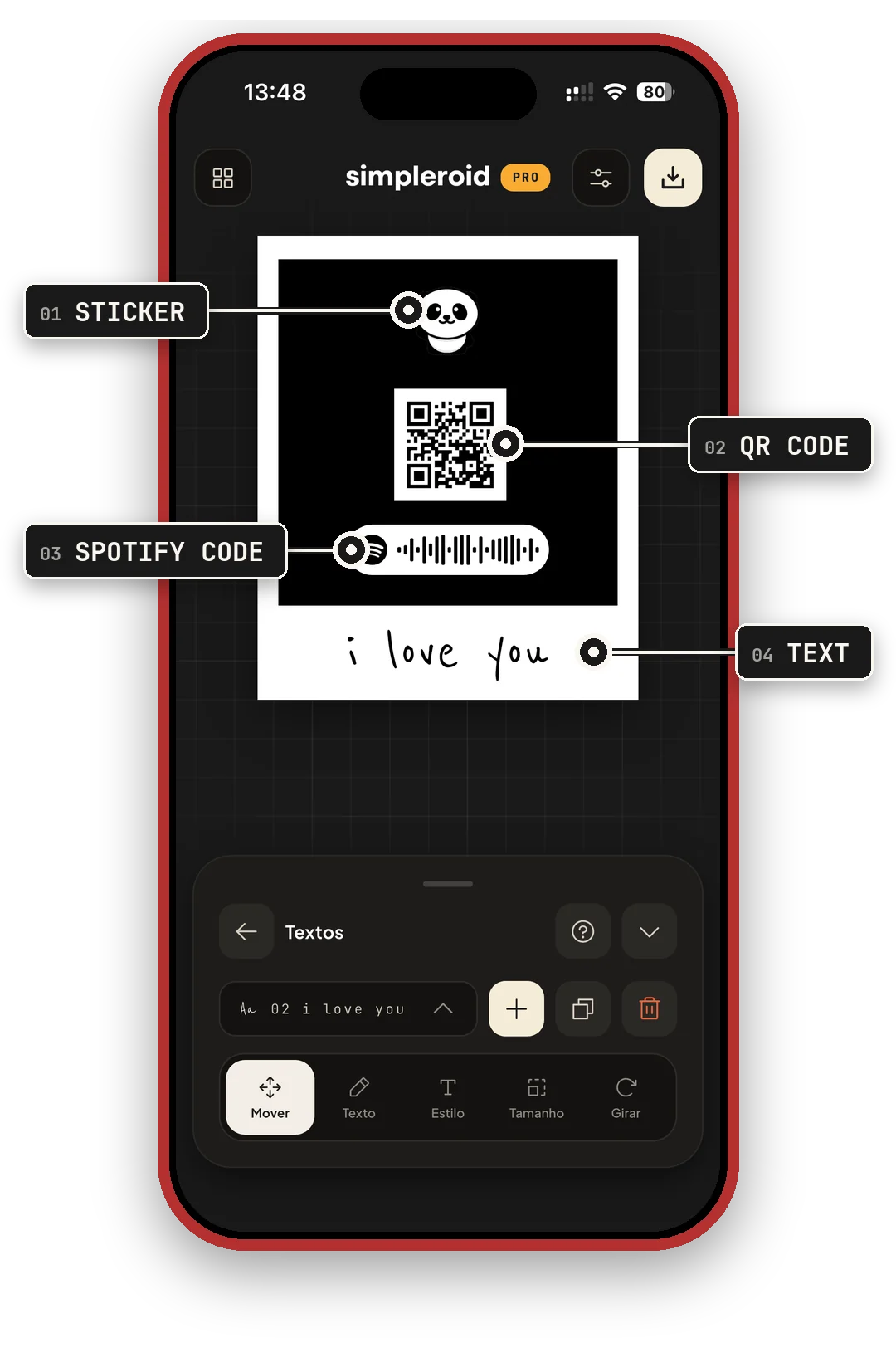
Stickers, a QR code for any link, the Spotify code of your song and captions in handwritten fonts.
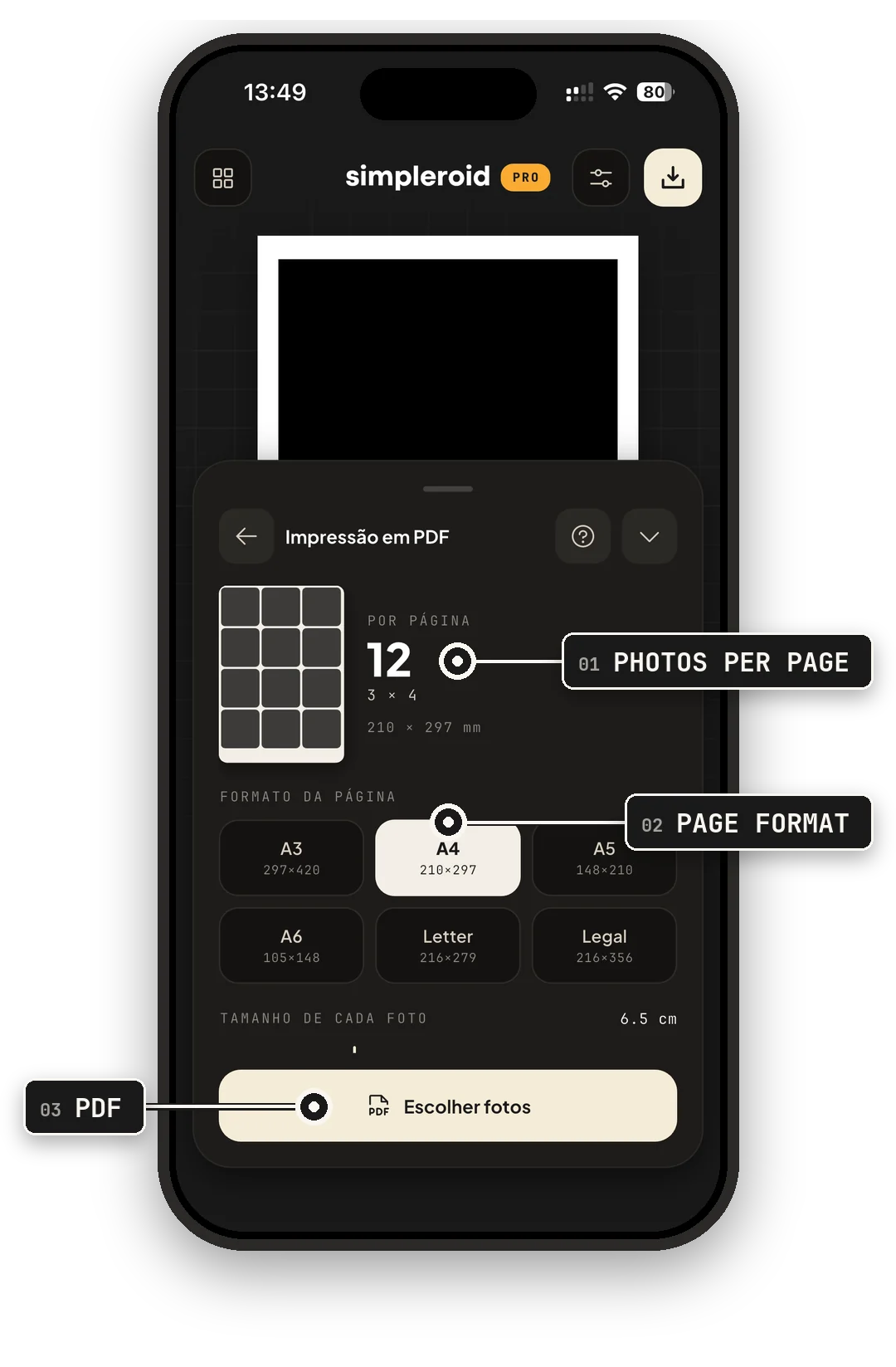
Make a PDF with several photos per page, in A3, A4, A5, A6, Letter or Legal, with a border to guide the cut.
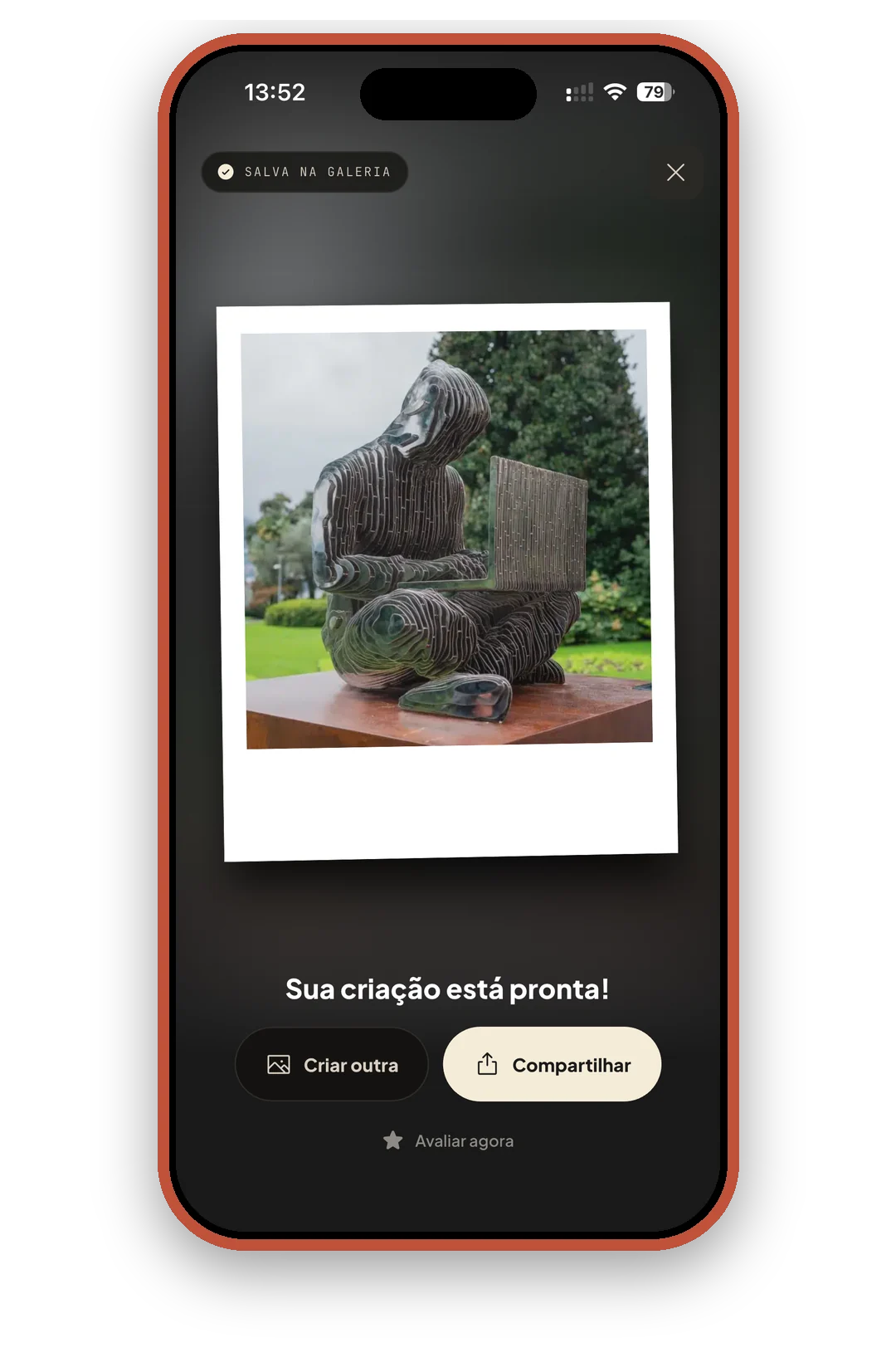
Export as a high quality PNG or JPG, straight to your gallery, or share it right away.
Beyond the classics, frames made to tell a story.


“I give 5 stars but if I could I would give 1,000 stars, this app is excellent, easy to use, not to mention the frames it has.”
“Just great! Very practical, fast and easy to use, and it keeps the quality of the photos! I loved it so much.”
“Simply perfect app, I sell instant photos and it made my life SO much easier… Best app I have ever used. The PRO version is really worth it for those who work with this.”
“I loved the app so much, I highly recommend it, I told all my friends and they were really fascinated.”
Yes. You can download it and create your photos for free. SimpleRoid PRO is an optional subscription that unlocks everything: unlimited saves, every frame (collage, music and calendar), unlimited filters, textures and stickers, top-quality exports, batch editing and printing.
Your subscription is managed by the store. On iPhone: Settings > [your name] > Subscriptions. On Android: Google Play > tap your profile picture > Payments & subscriptions > Subscriptions. You keep PRO until the end of the period you already paid for.
Sign in with the same store account you subscribed with, open the app's Settings and tap Restore purchases.
Yes. With PRO, you can make a PDF with several photos per page, in A3, A4, A5, A6, Letter or Legal, with a border to guide the cut. You can also save each photo as PNG or JPG and print it anywhere.
No. Editing happens on your phone, and your photos only leave it when you save or share them. Learn more in the Privacy Policy.
Yes. SimpleRoid is on the App Store and Google Play.
Download for free and turn your photos into keepsakes.